
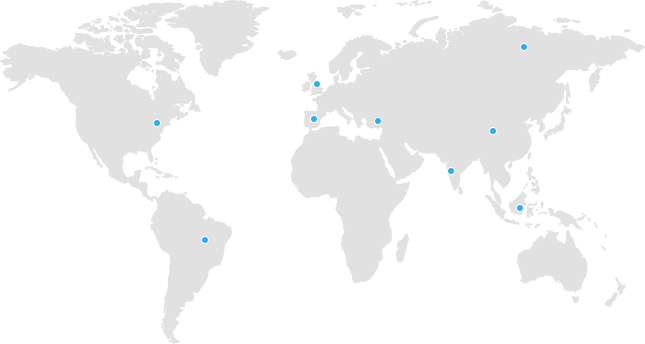
 Tanzania
 Kenya
Kenya Uganda
 Rwanda
 South Sudan
 Nigeria
 Ghana
Ghana South Africa
 Zambia
 India
India United Kingdom
 Global Route Africa
✅ Step-by-Step Guide (Roundcube Webmail)
-
Login to Webmail
-
Enter your email address and password.
-
Select Roundcube
-
Choose "Roundcube" as your preferred webmail client.
-
Open Settings
-
Click the "Settings" icon (gear icon) in the upper-right corner.
-
Go to Identities
-
In the left menu, click "Identities."
-
Then click your email address listed in the center panel.
-
Enter Your Signature
-
In the right panel, find the "Signature" field.
-
Type your email signature in the box.
Example Signature:
Best regards,
John Doe
Technical Support – Route Africa
-
Enable HTML (Optional)
-
If you'd like to use bold text, links, or images:
-
Check the box labeled “HTML Signature”
-
Use the toolbar to format your signature
-
-
Click Save
-
Scroll down and click "Save" to apply your signature.
Need help? Contact our support team at support@routeafrica.net or open a ticket at https://routeafrica.net/submitticket.php.